This week we focused on creating images. Michael showed us all these different possibilities including removing backgrounds, taking screenshots, and moving cut outs. We discussed that creating images allows teachers to make learning more relatable and local while also being able to bring your personality into the class.
We looked at how PowerPoint is a great resource to be able to customize images and incorporate them into learning. Other resources include Google Slides, Canva, PhotoShop, and Illustrator.
I used Good Notes to make a math worksheet for a math lesson I had to do!
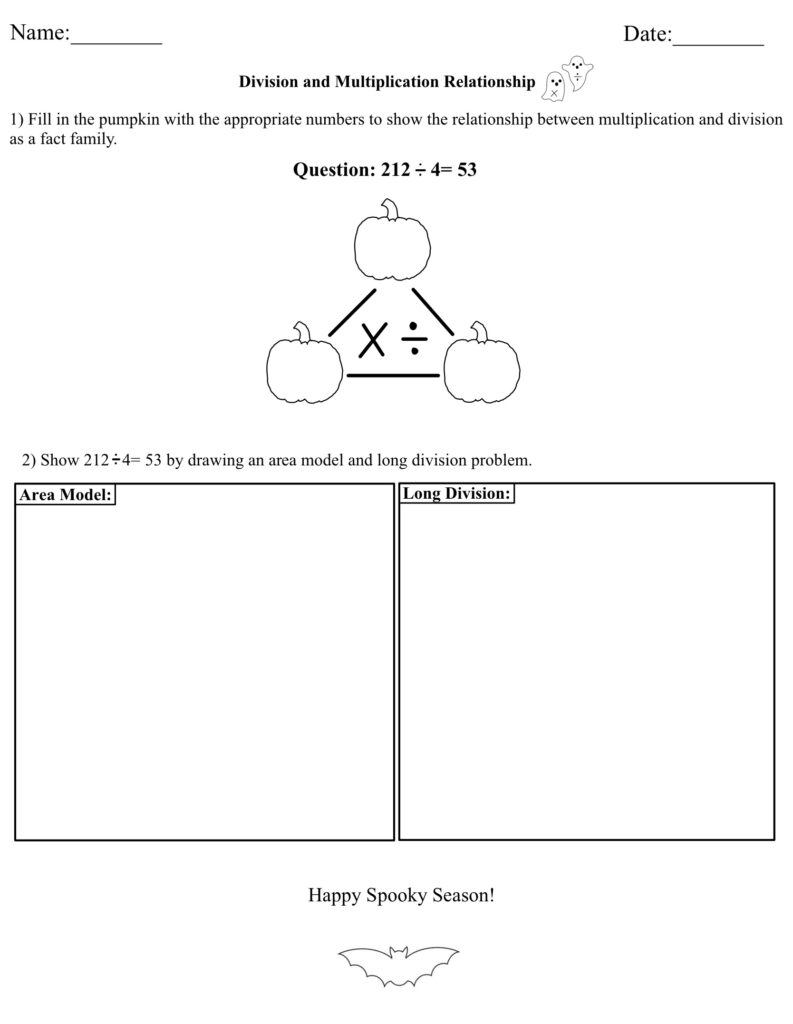
The one thing I do not like about Good Notes is that it does not help you center text boxes or images, so you have to eyeball everything. However, it is very easy to draw, add text, and insert images, especially on an IPad.
Leave a Reply
You must be logged in to post a comment.